..
Jekyll 中的语法高亮:Pygments
Jekyll 原生支持语法高亮工具 Pygments ,Pygments 支持多种语言高亮。
一. 安装
假设你已经能正常运行 Jekyll (安装方法)。
1. 安装 pygments
archlinux:
$ sudo pacman -S python2-pygments
或直接通过 pip 来安装
$ pip install pygments --user
2. 安装 pygments.rb
$ gem install pygments.rb
二. 配置
在 Jekyll 的配置文件 _config.yml 中设置打开 Pygments
pygments: true
mardown: redcarpet
注意:新版本 Jekyll 中,
pygments: true替换为highlighter: pygments。
进到我们的网站目录,运行下面代码生成 Pygments 样式
$ pygmentize -S default -f html > your/path/pygments.css
生成的样式文件加到我们的网页中
<link rel="stylesheet" href="/your/path/pygments.css">
三. 使用
语法高亮的代码片段要放在标签对 {% highlight language %} 和 {% endhighlight %} 之间,其中的 language 为多种语言高亮页面中的 Short names。
{% highlight c %}
/* hello world demo */
#include <stdio.h>
int main(int argc, char **argv)
{
    printf("Hello, World!\n");
    return 0;
}
{% endhighlight %}
也可以采用这样的写法
```c
/* hello world demo */
#include <stdio.h>
int main(int argc, char **argv)
{
    printf("Hello, World!\n");
    return 0;
}
```
生成的 html 高亮结果
/* hello world demo */
#include <stdio.h>
int main(int argc, char **argv)
{
    printf("Hello, World!\n");
    return 0;
}
四. Pygments 样式
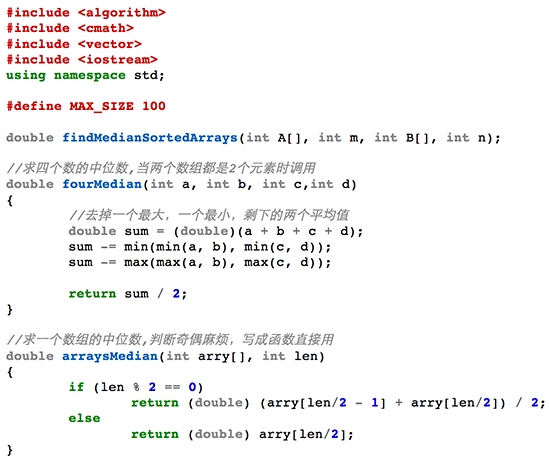
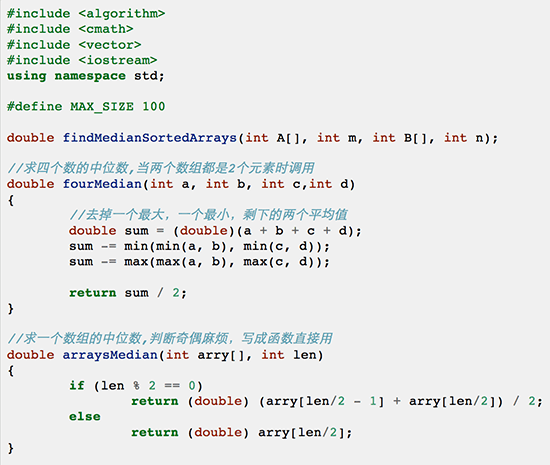
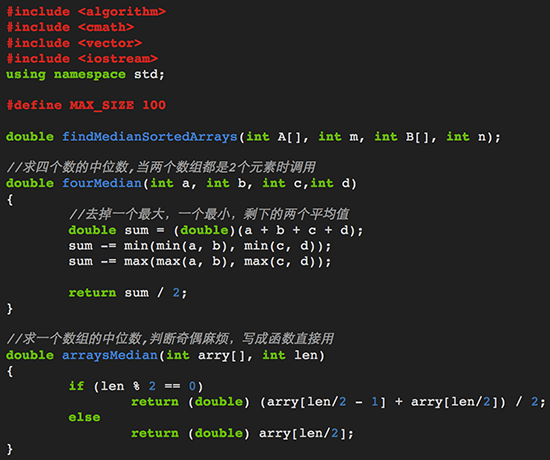
Pygments 样式默认提供了 monokai、manni、rrt、perldoc、borland、colorful、default 等等,多种的样式。
可以通过以下命令列出当前 Pygments 支持的样式:
>>> from pygments.styles import STYLE_MAP
>>> STYLE_MAP.keys()
['monokai', 'manni', 'rrt', 'perldoc', 'borland', 'colorful', 'default', 'murphy', 'vs', 'trac', 'tango', 'fruity', 'autumn', 'bw', 'emacs', 'vim', 'pastie', 'friendly', 'native']
通过 -S 来选择,譬如要生成 monokai 的样式:
$ pygmentize -S monokai -f html > your/path/pygments.css
下面是 pygments 个各样式 show:
- monokai
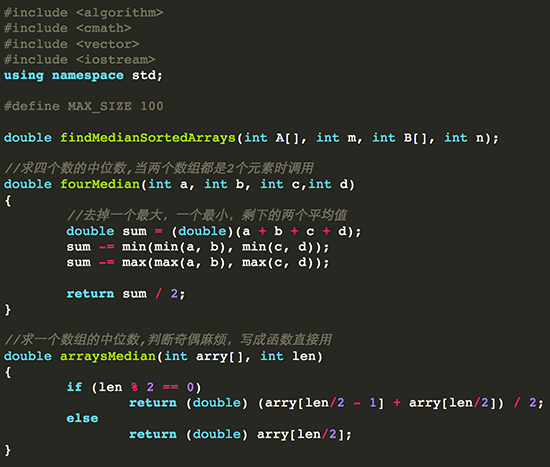
- manni
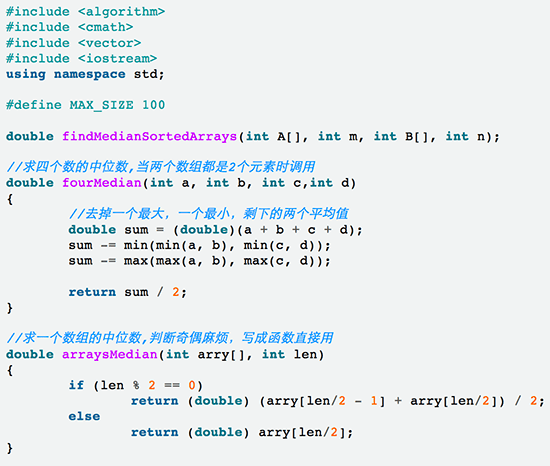
- rrt
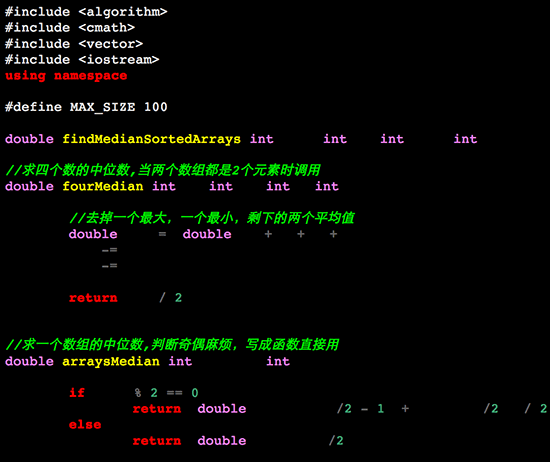
- perldoc
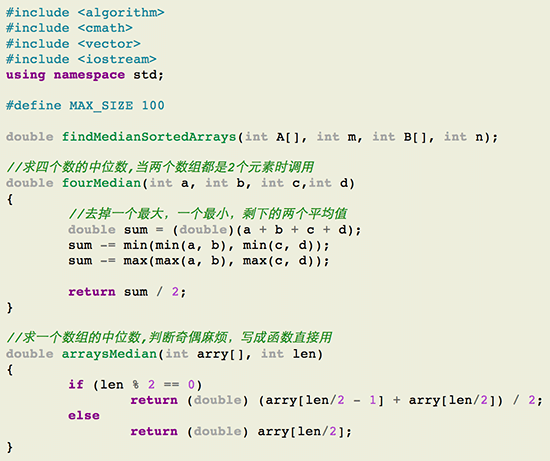
- borland
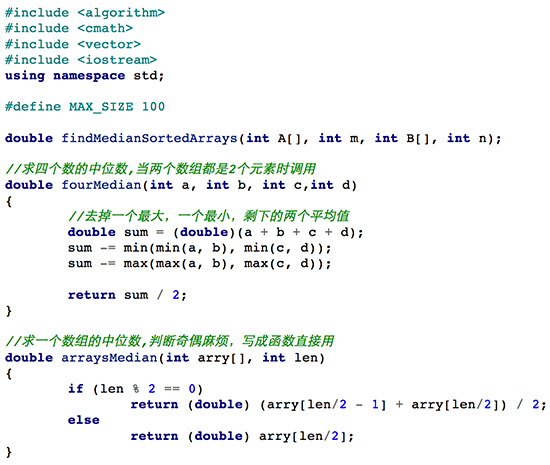
- colorful
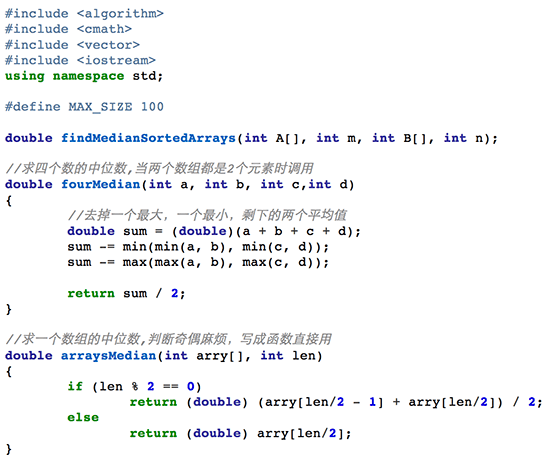
- default
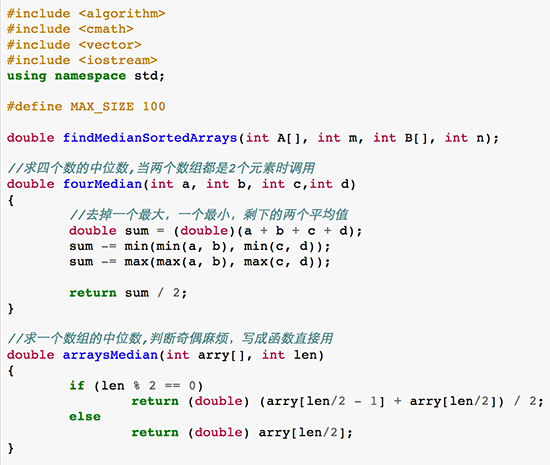
- murphy
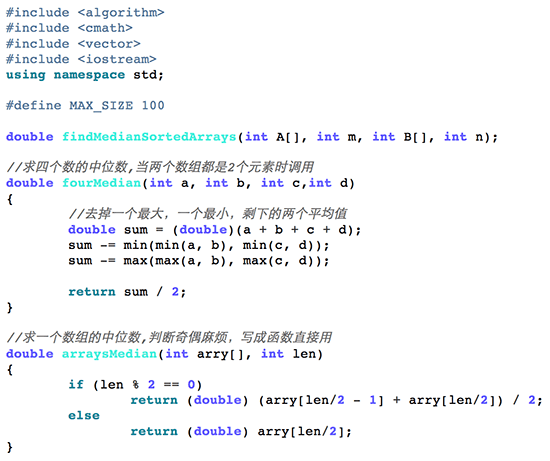
- vs
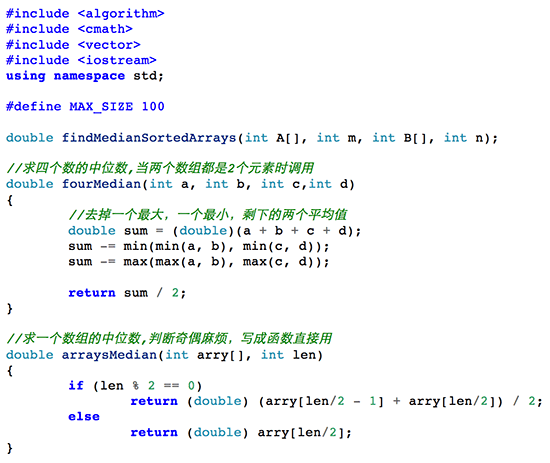
- trac
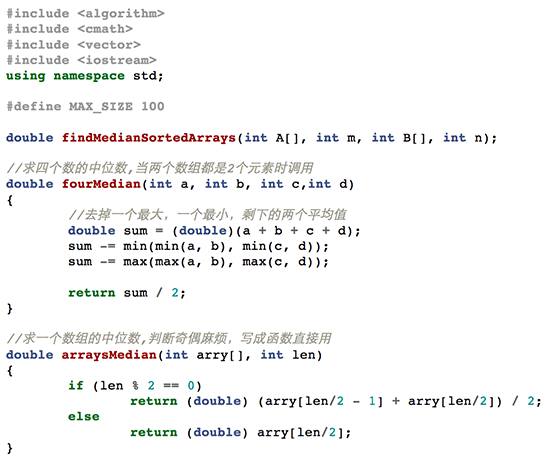
- tango
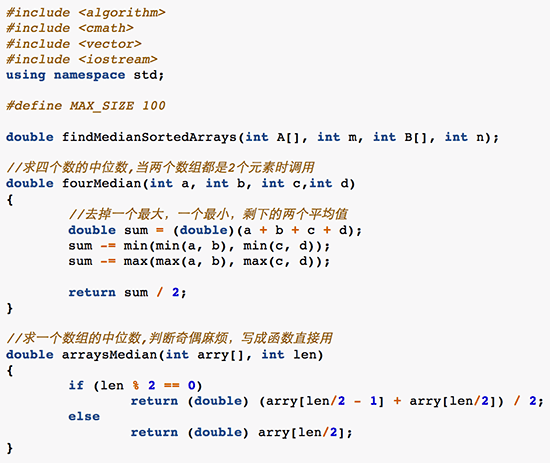
- fruity
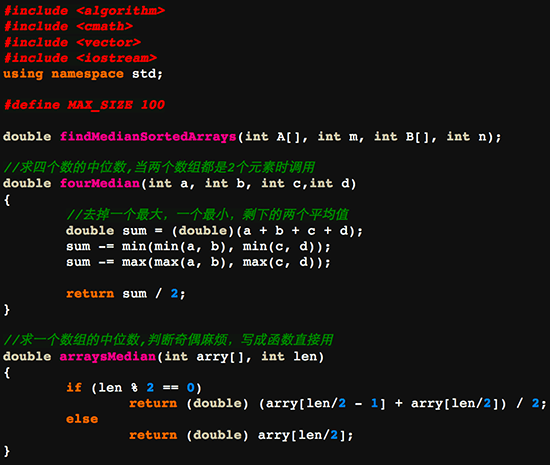
- autumn
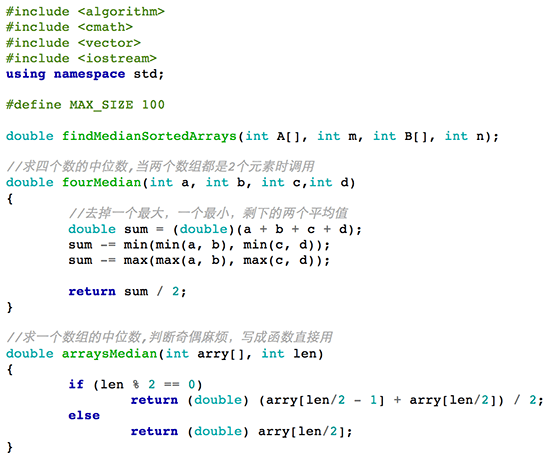
- bw
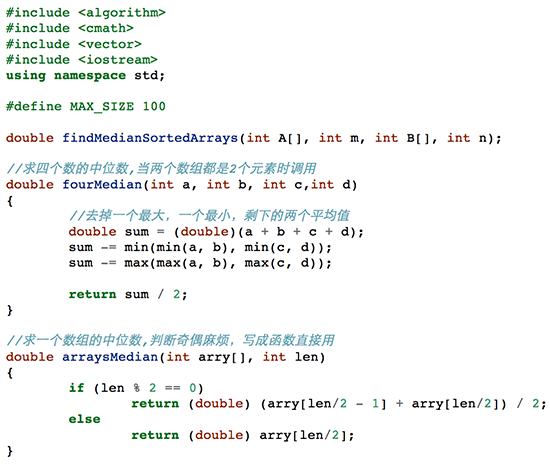
- emacs
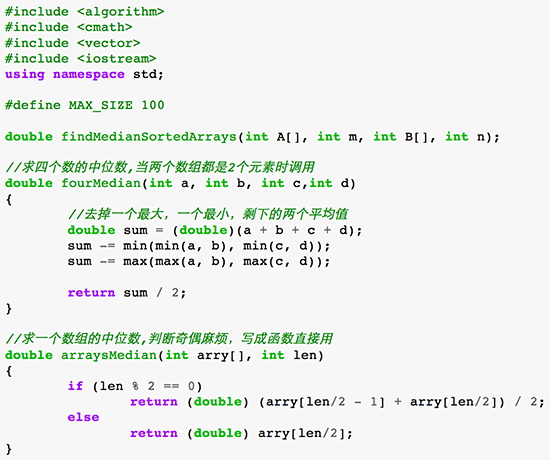
- vim
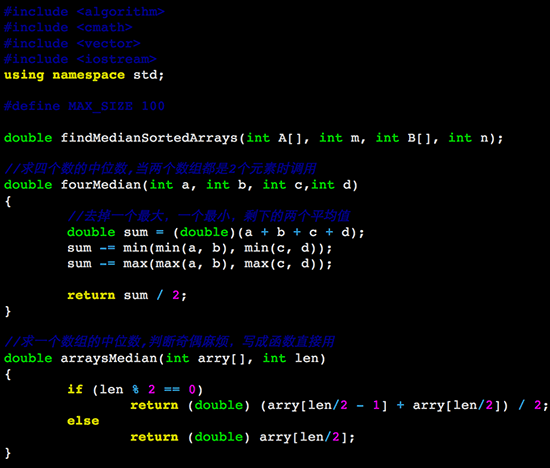
- pastie
- friendly
- native
参考: